
Home » Download
Download 95KO App for Fast Betting, Live Cricket, and Secure Play
Fast mobile access to 95KO with a trusted app download and setup
Stay ready for live cricket, JILI slots, and quick markets wherever you go. The app is built for mobile habits: fast access, light data use, and simple controls that work well on everyday connections. Enjoy verified profiles and name-match checks for withdrawals to keep your account trusted.
Start your 95KO app download in minutes with clear steps for Android and iOS. Install once, sign in, and you’re set for fast odds, quick bets, and instant updates. For quickest access on your phone, use the 95KO mobile app.
Why the 95KO app fits local players who prefer speed, privacy, and control
The 95KO app puts fast markets, live cricket info, and popular slots at your fingertips. It trims extra page loads and keeps your session ready for action.
Faster entry and lighter data use on everyday mobile connections
Open the app and get straight to markets. Pages cache smartly so you use less data on 4G or congested networks, with quick refresh when odds change.
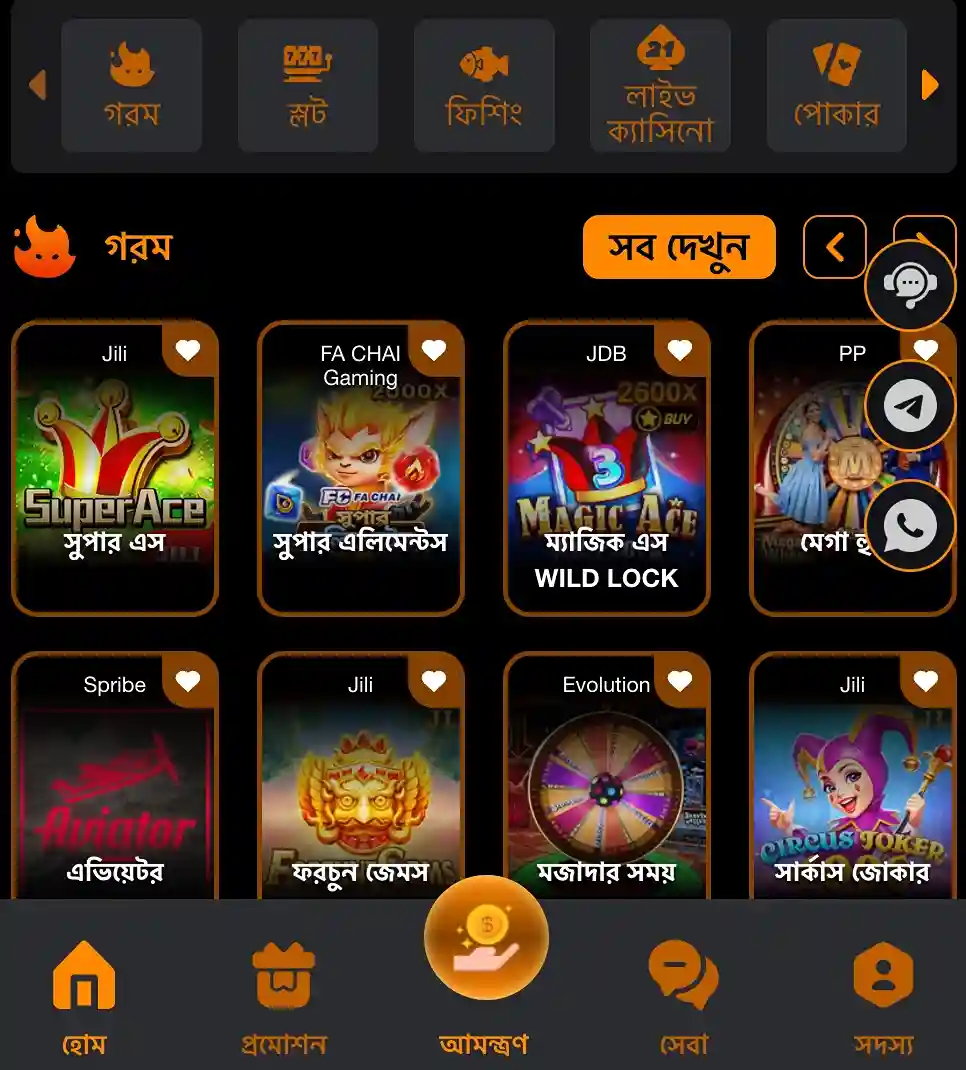
Live cricket odds, scorecards, and match alerts on your home screen
Track toss updates, live lines, and ball‑by‑ball changes without digging through menus. Pin key series so your most-watched cricket events appear first.
Slots from JILI and more, with quick filters and recent picks
Browse JILI titles and other favorites with clean categories. Reopen your last played games fast, so spins resume in seconds during short breaks.
Safer sign‑in with device lock, PIN, and one‑tap 95KO login
Secure your account with fingerprint or face unlock where supported. Set a 4‑digit PIN for faster 95KO login while keeping full control of access.
Step-by-step guide to download, install, and update the 95KO mobile app
- Open your mobile browser and go to the 95KO official site. Check the address bar before you proceed.
- Tap Download. Choose your device option: Android (APK) or iOS (Add to Home Screen).
- Android: Confirm the 95KO apk download. When finished, open the file. If your phone asks, allow installs from this source, then continue.
- Android: Tap Install. After setup completes, open the app, grant basic permissions (storage/notifications if prompted), and sign in.
- iOS: Open the site in Safari, tap Share, then Add to Home Screen. The app icon appears for quick launching.
- iOS: Open the icon, allow notifications if you want alerts for cricket and offers. Sign in or create your account.
- Log in and verify your details. Enable a screen lock or PIN in settings for faster, safer re-entry.
- For updates: Android users revisit the site to install the latest build when prompted. iOS web app updates auto‑sync when you relaunch.
Exclusive in-app rewards, reload offers, and timely campaign notifications for active players
Turn on notifications to catch app-only codes and reload boosts the moment they drop. Keep your profile verified to qualify faster for seasonal offers.
New to the app? Check the latest 95KO bonus details in the promotions hub after you sign in. You’ll also see cricket specials and slot campaigns highlighted on the home screen.
Features built for quick play, low data use, and cleaner navigation
- Faster loading: Core pages cache locally for speed on spotty networks.
- Quick login: Use PIN, fingerprint, or face unlock for rapid access.
- Live updates: Real‑time cricket odds and match notifications keep you informed.
- Cleaner menus: Sports, JILI slots, and recent items stay one tap away.
- Smart search: Find leagues, teams, and games with fewer keystrokes.
- Low data mode: Lighter images and compact layouts reduce data use.
- Quiet hours: Control notification times so alerts fit your schedule.
Frequently asked questions about downloading, installing, and updating the 95KO app
Is the 95KO app free to download and use?
Yes. Downloading and installing the app is free. Data charges may apply from your mobile provider.
How do I install the app on Android?
Download the APK from the official site, open it, allow installs from this source if prompted, then tap Install. Launch the app, sign in, and set a PIN for quick access.
How do I get the app on iOS devices?
Open the site in Safari, tap Share, then Add to Home Screen. An icon appears on your home page for fast access. Enable notifications if you want live updates.
How are updates delivered for the app?
Android users reinstall the latest APK from the site when prompted. iOS web app updates apply automatically when you relaunch from the home screen icon.
Can I secure my account with biometrics or a PIN?
Yes. If your device supports it, you can enable fingerprint or face unlock, plus set a 4‑digit PIN inside settings for faster, safer sign‑ins.
Ready to get started on mobile with fast access and secure play
Install the app, sign in, and set your PIN for quick opens during live cricket. Create your account in minutes with 95KO Register and keep notifications on to catch time‑sensitive offers.
Your next session is one tap away. Complete your 95KO app download now to enjoy faster markets, JILI slots, and instant updates wherever you play.